Back to Blog
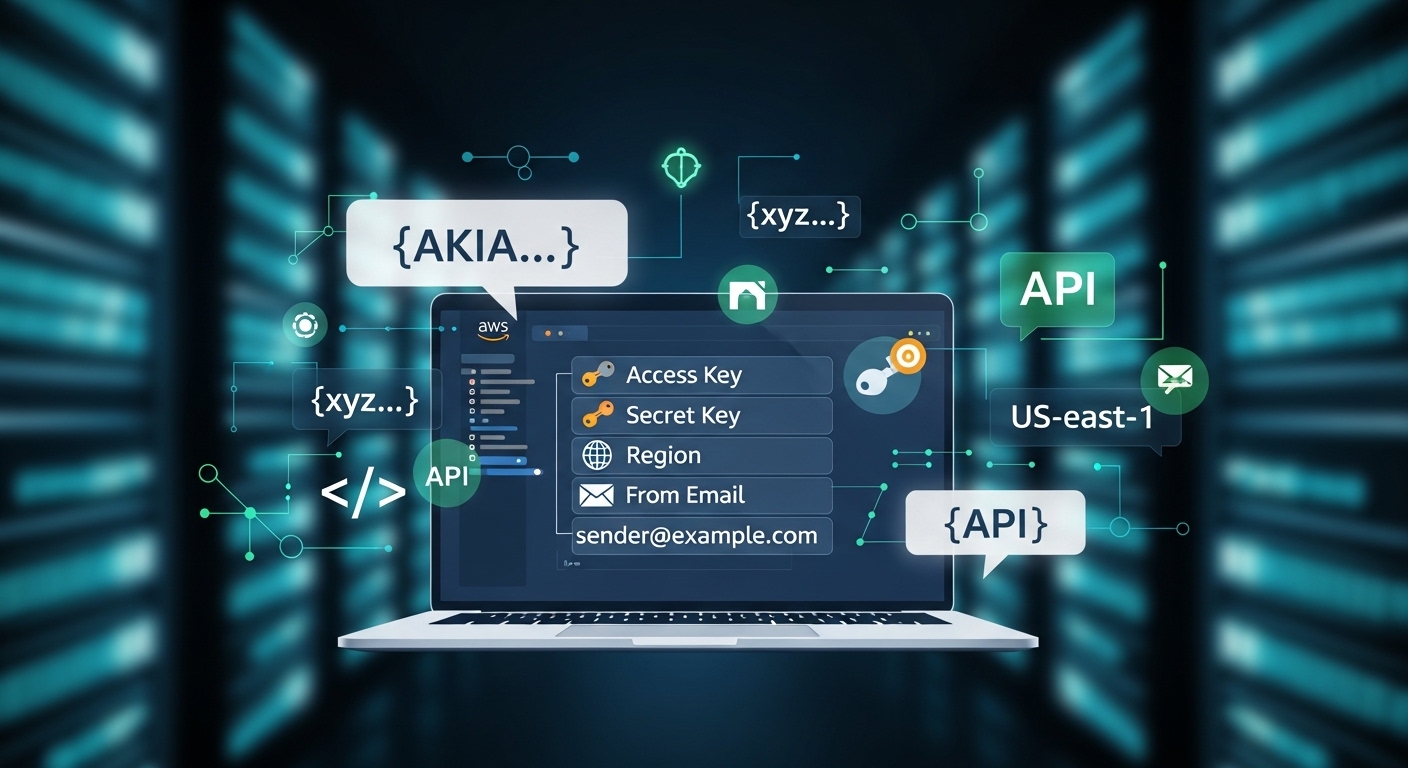
How to Configure Amazon SES - Step-by-Step Guide (2026)
Mar 07, 2026
Amazon SES API Credentials Setup Guide – Step by Step (Access Key, Secret Key, Region, From Email)
How to Setup Amazon SES for Your Platform
Updated March 2026 • 5 min read
Amazon Simple Email Service (SES) is a reliable, scalable, and cost-effective way to send transactional and marketing emails. To connect your platform, you typically only need four fields: Access Key, Secret Key, Region, and a Verified From Email.
Prerequisites
- An AWS account (aws.amazon.com).
- A valid sending email address (e.g.,
example@gmail.com). - Note: New accounts start in Sandbox Mode (you can only send to verified emails initially).
Step 1
Sign In to AWS Console
Go to AWS Management Console and sign in with your root or IAM user credentials.
Step 2
Verify Your "From" Email
- Search for SES in the console.
- In the left menu, click Verified identities.
- Click Create identity, select Email address, and enter your email.
- Check your inbox for a verification email from AWS and click the link.
✅ Once verified, this email is ready for use in your configuration form.
Step 3
Create an IAM User
- Navigate to IAM (Identity and Access Management).
- Click Users → Create user (e.g.,
ses-api-user). - Select Attach policies directly and search for
AmazonSESFullAccess. - Finish creating the user.
Step 4
Generate Credentials
Inside your new user settings, go to the Security credentials tab:
- Click Create access key and select Command Line Interface (CLI).
- Copy your
Access Key IDandSecret Access Key.
⚠️ Warning: You will never see the Secret Access Key again. Download the .csv file and store it safely!
Amazon SES Pricing (2026)
| Tier / Item | Monthly Price | Included Emails | Best For |
|---|---|---|---|
| Free Tier | $0 | 62,000 emails | New accounts |
| Pay-as-you-go | $0.10 / 1k | None | Standard usage |
| Dedicated IP | $24.95 / IP | Unlimited | High volume |
🚀 Bonus: Moving Out of Sandbox
To send emails to anyone, go to Account dashboard in the SES console and click Request production access. AWS usually approves these requests within 24 hours if you provide a clear use-case.